

Features
Expenses
Log spending in a chat, and see where it goes.
Tell Claude what you spent, the way you would tell a friend. No forms, no app to open.
12.40 on lunch today
Taxi home last night, 18
Claude picks a category by meaning, so lunch, coffee and groceries all land under Food. Forgot to log something? Mention the date and it is backdated.
Asking works the same way:
What did I spend on transport last month?
Compare this month with last, by category.
Everything you log is encrypted before it is stored.
Dashboard
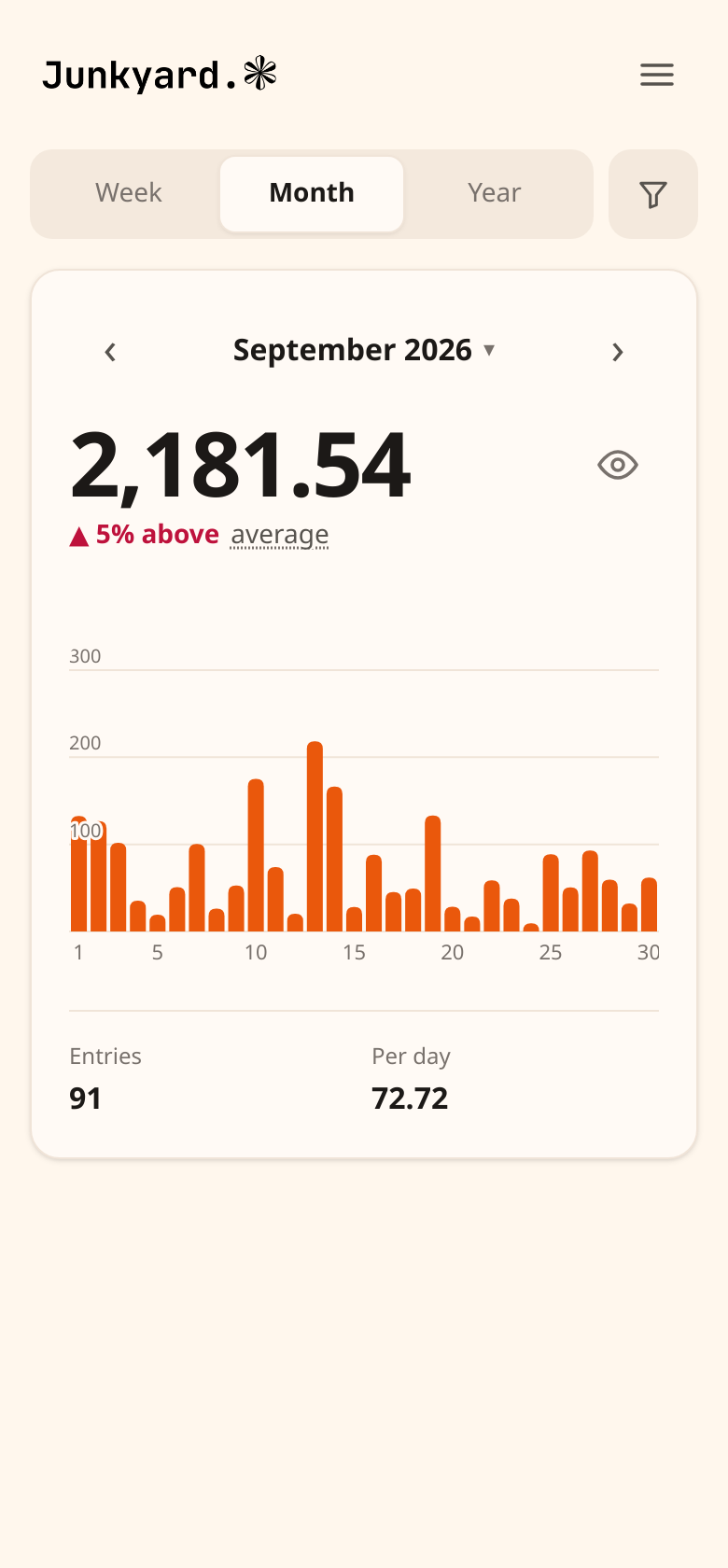
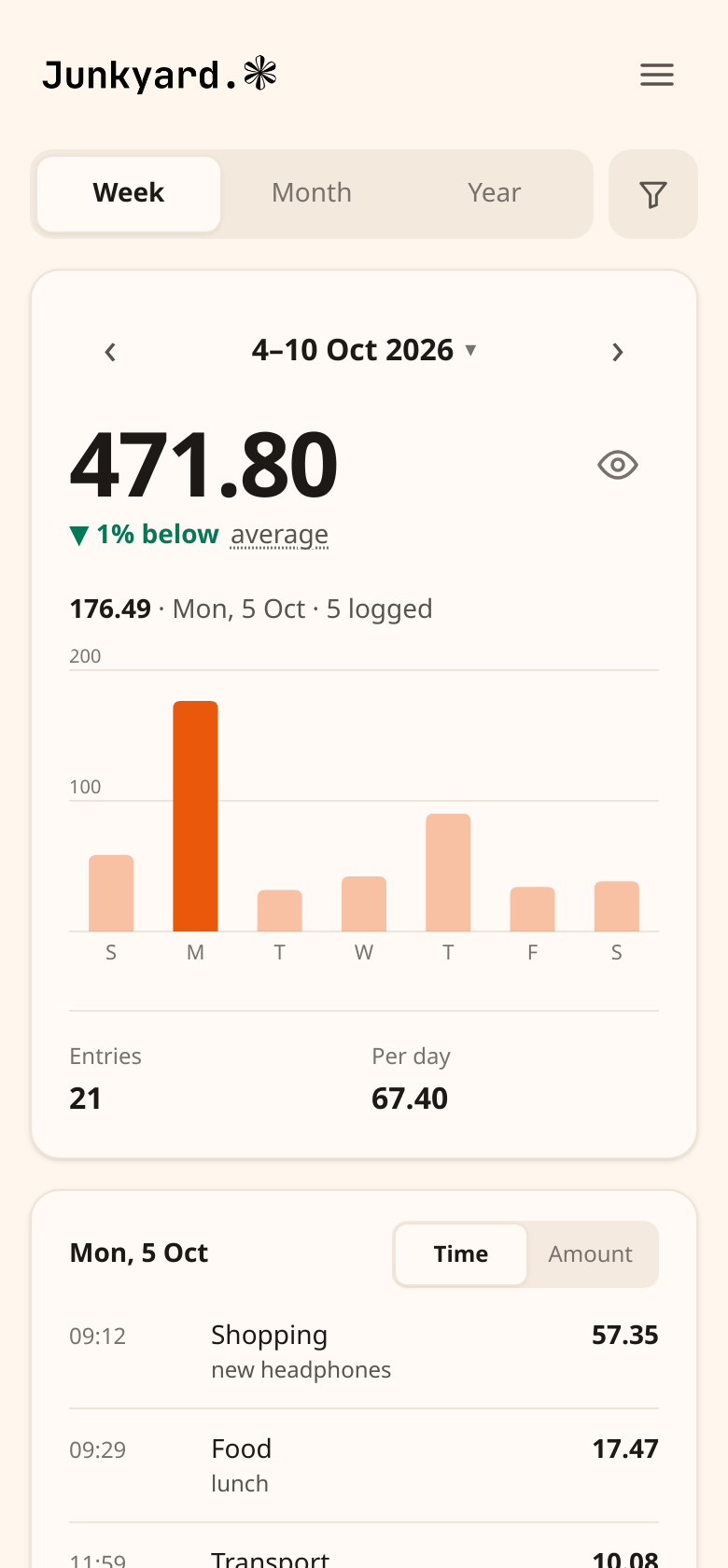
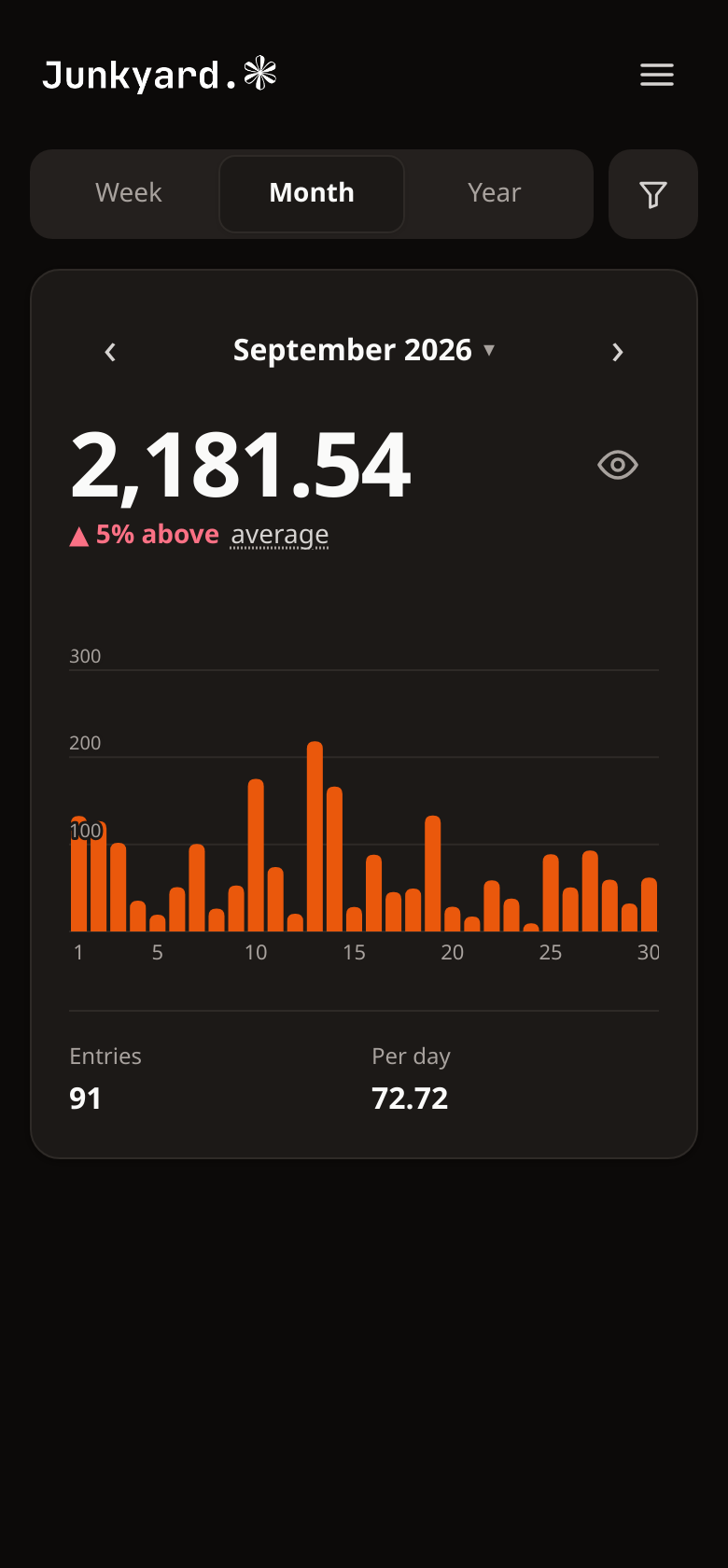
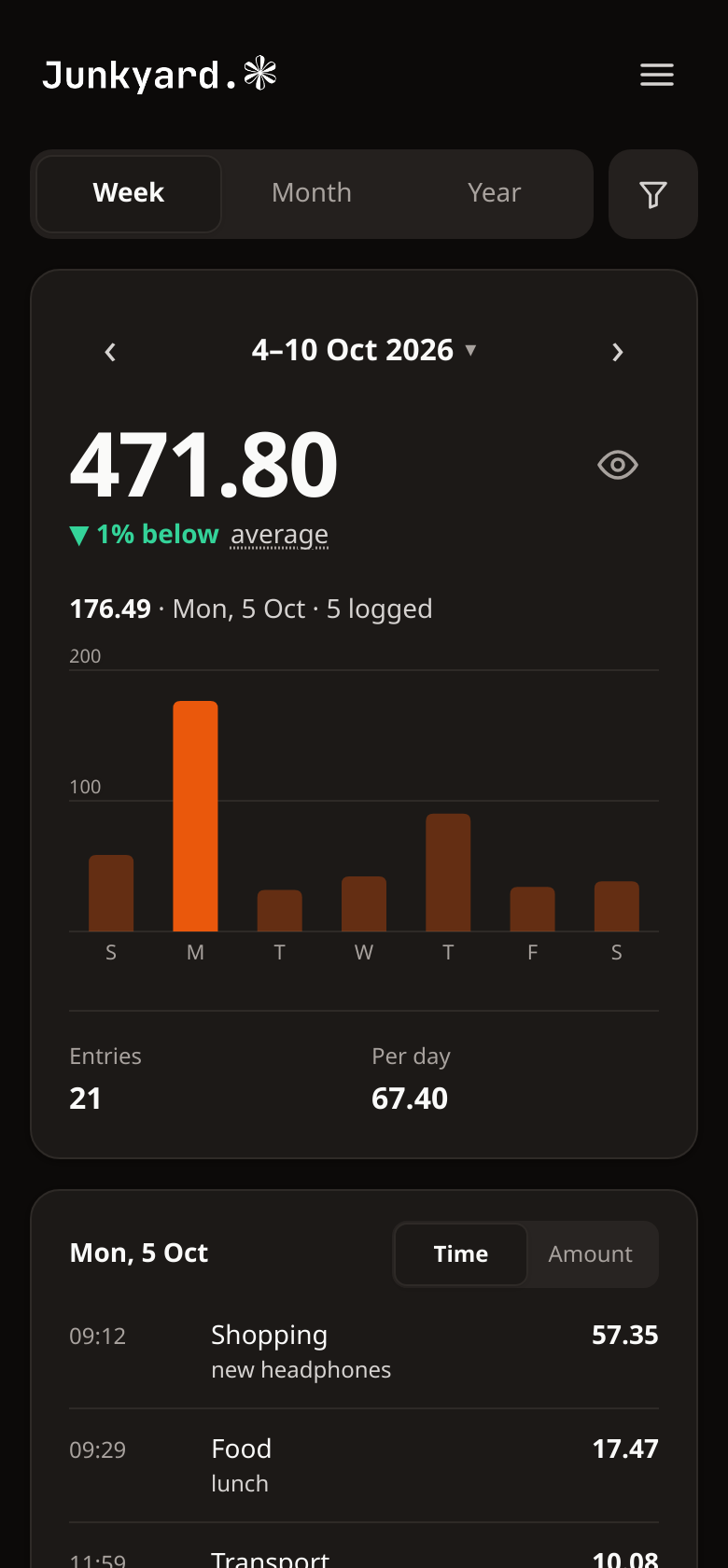
For a quick look without opening a chat, sign in to dashboard.junkyard.cloud with the same Google account.
Tools
You never need to call these yourself. Claude picks the right one, but it helps to know what it can do.
Analysis
| Tool | What it does |
|---|---|
summarize_expenses | Totals for a date range, by category or by month. |
Entries
| Tool | What it does |
|---|---|
list_expenses | Newest first, filtered by category, dates, or both. |
add_expense | Log an amount under a category, backdated if needed. |
update_expense | Change one entry. Anything not mentioned stays as it was. |
delete_expense | Remove one entry. |
Categories
| Tool | What it does |
|---|---|
list_expense_categories | Every category, A to Z. |
add_expense_category | Create one. Food and food count as the same name. |
update_expense_category | Rename one. Its entries follow. |
delete_expense_category | Remove one, once nothing is filed under it. |