

Welcome
A small MCP server that gives Claude a few useful tools.
What is junkyard?
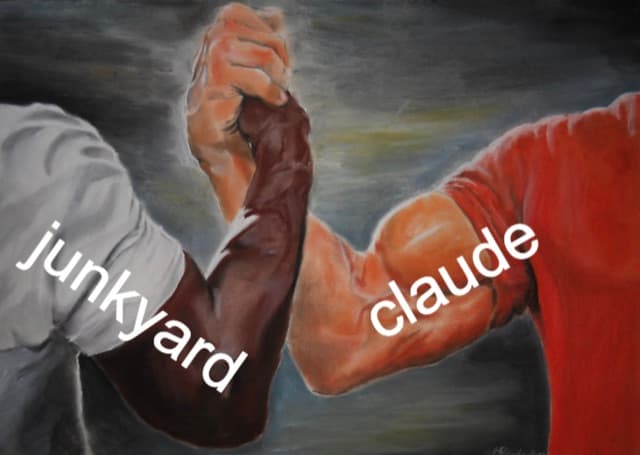
junkyard is a personal project: an MCP server that adds tools to Claude. I build what I find myself wanting, and keep what proves useful. Hence the name.
Each tool works through a normal chat: say what you want, and Claude does the rest. Expenses came first, and more will follow.
Get started
Get an invite
Access is granted by hand. Message me on X with the Google address you plan to use.
Add the connector
In Claude on web, desktop or mobile, go to Customize → Connectors, choose +, then Add custom connector, and paste:
https://mcp.junkyard.cloud/mcpSign in
Press Connect and sign in with Google, using the address you were invited with.
Start a chat
That is it. Ask Claude what junkyard can do, or browse the features for ideas. Once connected on one device, it is there on all of them.